

Website details
PicExtender - AI Image Extender, Enhancer, and Photo Restoration
About This Project
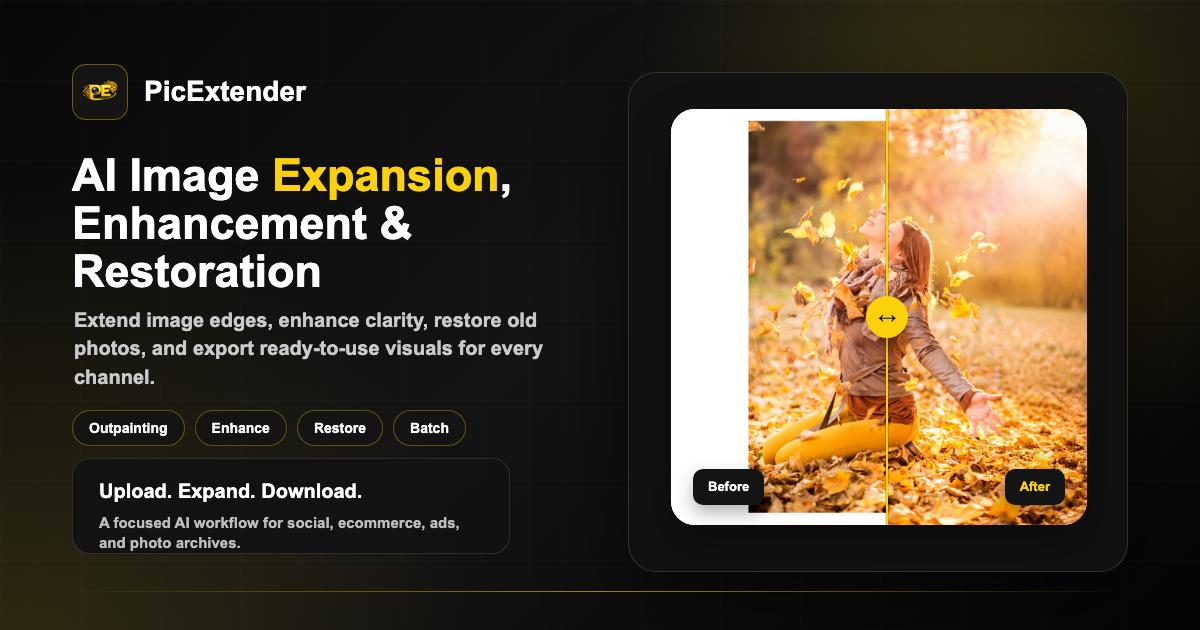
Welcome to PicExtender, an AI-powered image editing platform for expanding images, improving photo quality, restoring old photos, and preparing visuals for social media, ecommerce, ads, and archives.
This project powers picextender.com, a web app focused on fast upload-first image workflows. Users can expand image borders with AI outpainting, resize images for platform-specific formats, edit images with prompts, enhance blurry or low-resolution photos, and restore damaged vintage photos.
Core Tools
PicExtender includes focused tools for common creative and publishing workflows:
- AI Image Extender - Expand image borders naturally without stretching or hard cropping.
- Batch Image Extender - Upload multiple images and generate consistent output sizes in one workflow.
- AI Image Editor - Edit uploaded images with plain-language prompts.
- Photo Enhancer - Improve clarity, reduce noise, fix blur, and upscale images.
- Photo Restoration - Repair scratches, stains, fading, tears, blur, and colorize old photos.
- Platform Resizers - Create ready-to-publish images for YouTube, Instagram, Pinterest, Facebook, LinkedIn, and Twitter/X.
Features
- AI outpainting - Generate realistic new image areas from the source image context.
- Platform-ready presets - Fit common social and ad sizes without losing the subject.
- Up to 4K output - Export expanded canvases up to 4096 x 4096 px.
- Batch processing - Standardize a full image set for product listings, campaigns, and content libraries.
- Prompt-based editing - Replace backgrounds, refine scenes, adjust style, or remove distractions.
- Photo enhancement - Make blurry, noisy, compressed, or low-resolution images clearer.
- Old photo repair - Restore damaged family photos and colorize black-and-white images.
- Responsive experience - Smooth upload workflows on desktop and mobile.
- Multi-language support - Localized pages and interface for global users.
- Credits and billing - User accounts, credits, checkout, and payment integrations.
Visit the Website
Website: https://picextender.com/
Use PicExtender to:
- Expand images for social media and ad formats.
- Resize images without cropping important subjects.
- Edit images from a text prompt.
- Enhance portraits, product photos, and everyday images.
- Restore and colorize old family photos.
- Batch process multiple images for repeatable output.
Website Highlights
- Search-friendly pages for each image workflow.
- Clear page titles and descriptions.
- Share-ready preview images.
- Mobile-friendly browsing and upload experience.
- Helpful sections for tools, use cases, FAQs, pricing, and calls to action.
How to Use
- Open PicExtender: Visit picextender.com.
- Choose a tool: Select AI Image Extender, Batch Extender, Image Editor, Photo Enhancer, or Photo Restoration.
- Upload an image: Supported formats include JPG, JPEG, PNG, and WEBP.
- Pick an output: Choose a preset, custom size, enhancement mode, restoration mode, or edit prompt.
- Generate the result: Let AI expand, edit, enhance, or restore the image.
- Download the final image: Export a ready-to-use visual for publishing, sharing, or archiving.
Quick Links
- AI Image Extender
- Batch Image Extender
- AI Image Editor
- Photo Enhancer
- Photo Restoration
- YouTube Thumbnail Resizer
- Instagram Image Resizer
Contact
- Website: https://picextender.com/
- Privacy Policy: https://picextender.com/privacy-policy
- Terms of Service: https://picextender.com/terms-of-service
Support This Project
If PicExtender helps your creative workflow:
- Bookmark picextender.com.
- Share it with creators, marketers, store owners, and photo restoration users.
- Use the focused tool pages for platform-specific image sizes and AI photo workflows.
License
Copyright 2026 PicExtender. All rights reserved.
Product names, logos, and third-party services remain the property of their respective owners.
Visit picextender.com to expand, edit, enhance, and restore images with AI.